Swipe to explore →
1 / 6 · InstallStart on your own machine.
Download the desktop app, or install with Python. The editor, catalog, SQL tools and scheduler come together.
 Flowfileon your machine
Visual editorData catalogSQL & dashboardsScheduler
Or install with Pythonpip install flowfile
flowfile run ui
One install gives you a place to build and run your data work.
2 / 6 · ConnectBring in the data you work with.
Open an Excel file, read from a database, or connect to cloud storage and APIs. Save connections to use them in your next flow.
 Your flowRead from the source.
Reuse saved connections. Explore all 23 connectors and 28 transformations →
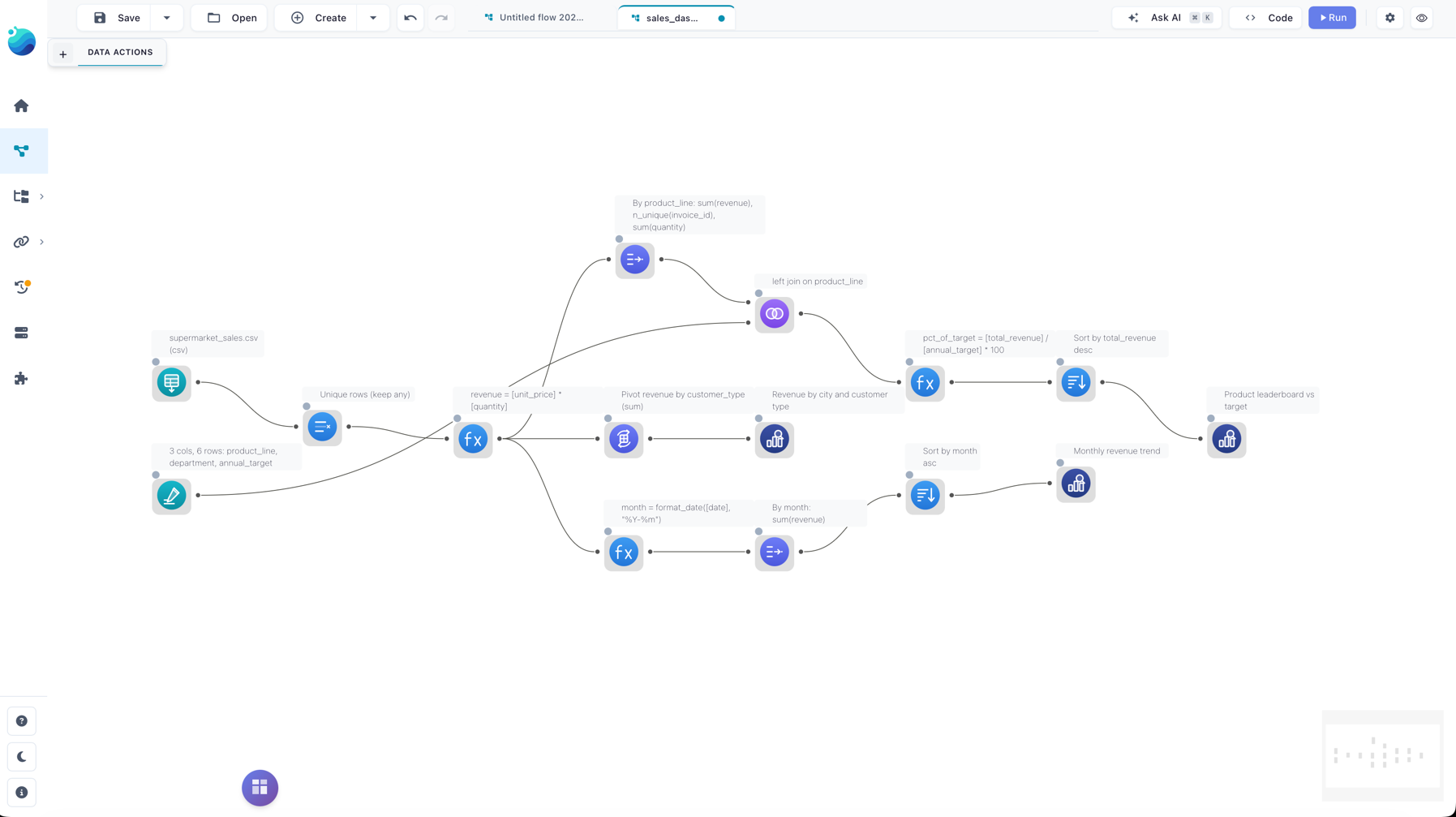
3 / 6 · BuildBuild the steps. Check the result.
Join, filter, pivot, fuzzy match, or write a formula. See the columns and preview the data at each step. Add Python when you need it.
Result: sales by region Example data
Example sales totals after joining orders to customers and grouping by region| region str | revenue f64 |
|---|
| North | 400.00 |
| South | 85.00 |

Inside the transformationGroup sales by region
# The same operation in Python
sales = orders.group_by("region").agg(
    pl.col("revenue").sum()
)
Inspect the logic behind a visual step.
A repeatable pipeline you can inspect, explain and run again.
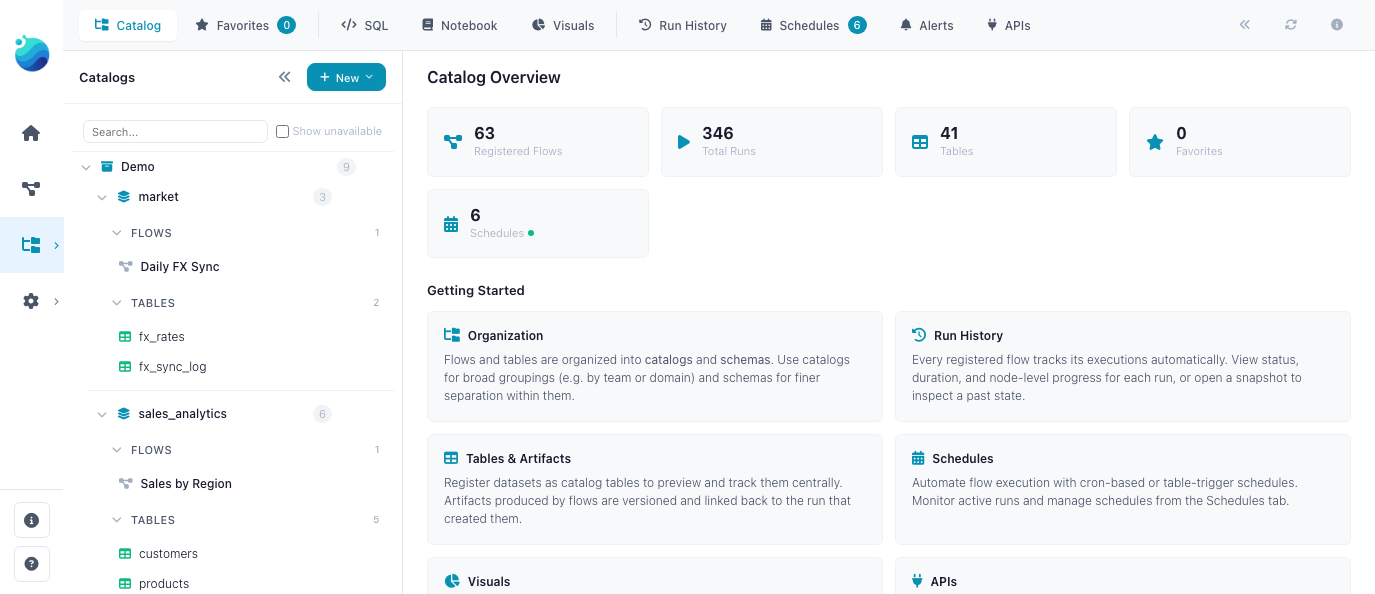
4 / 6 · CatalogPut the result to work.
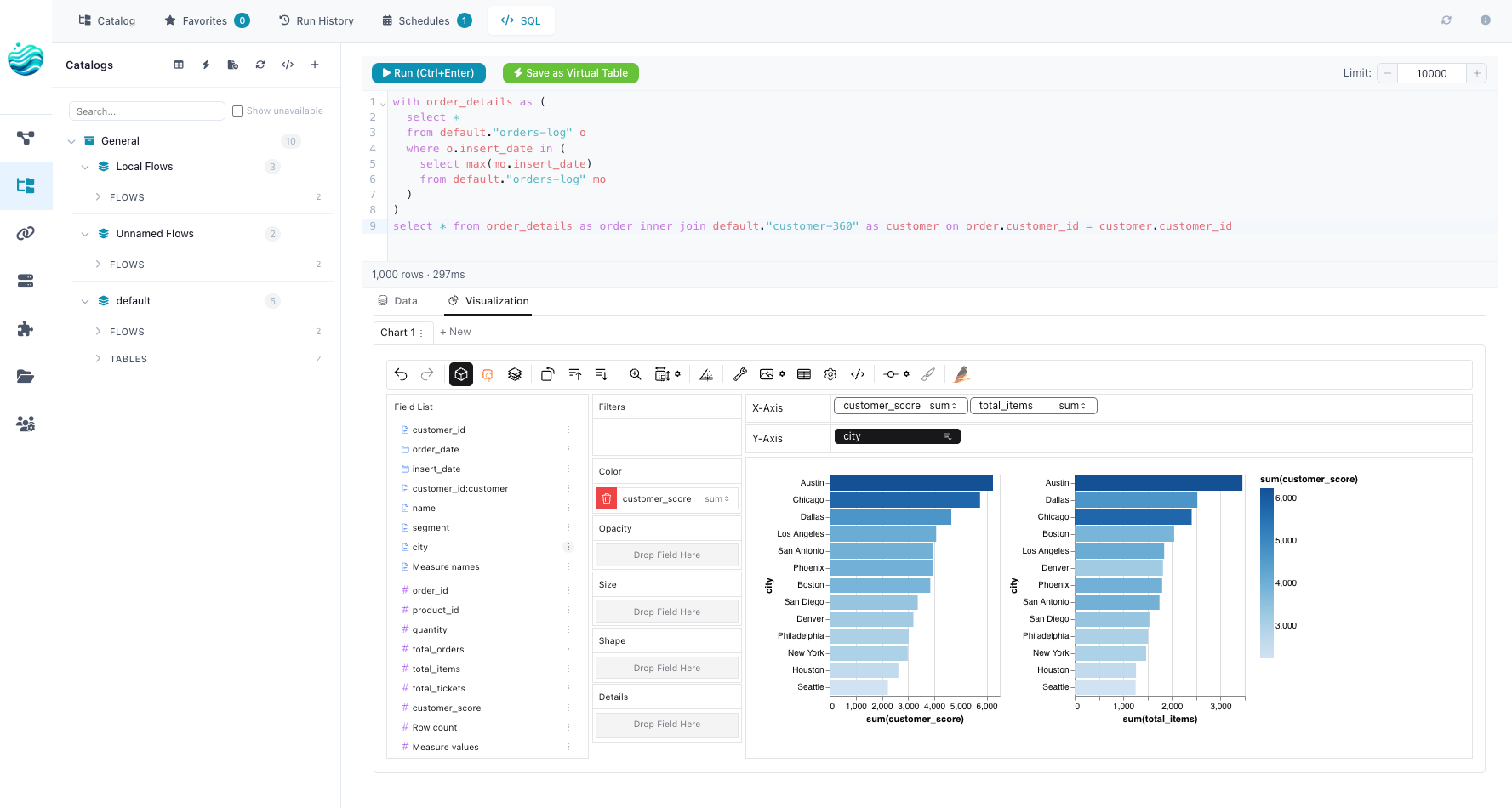
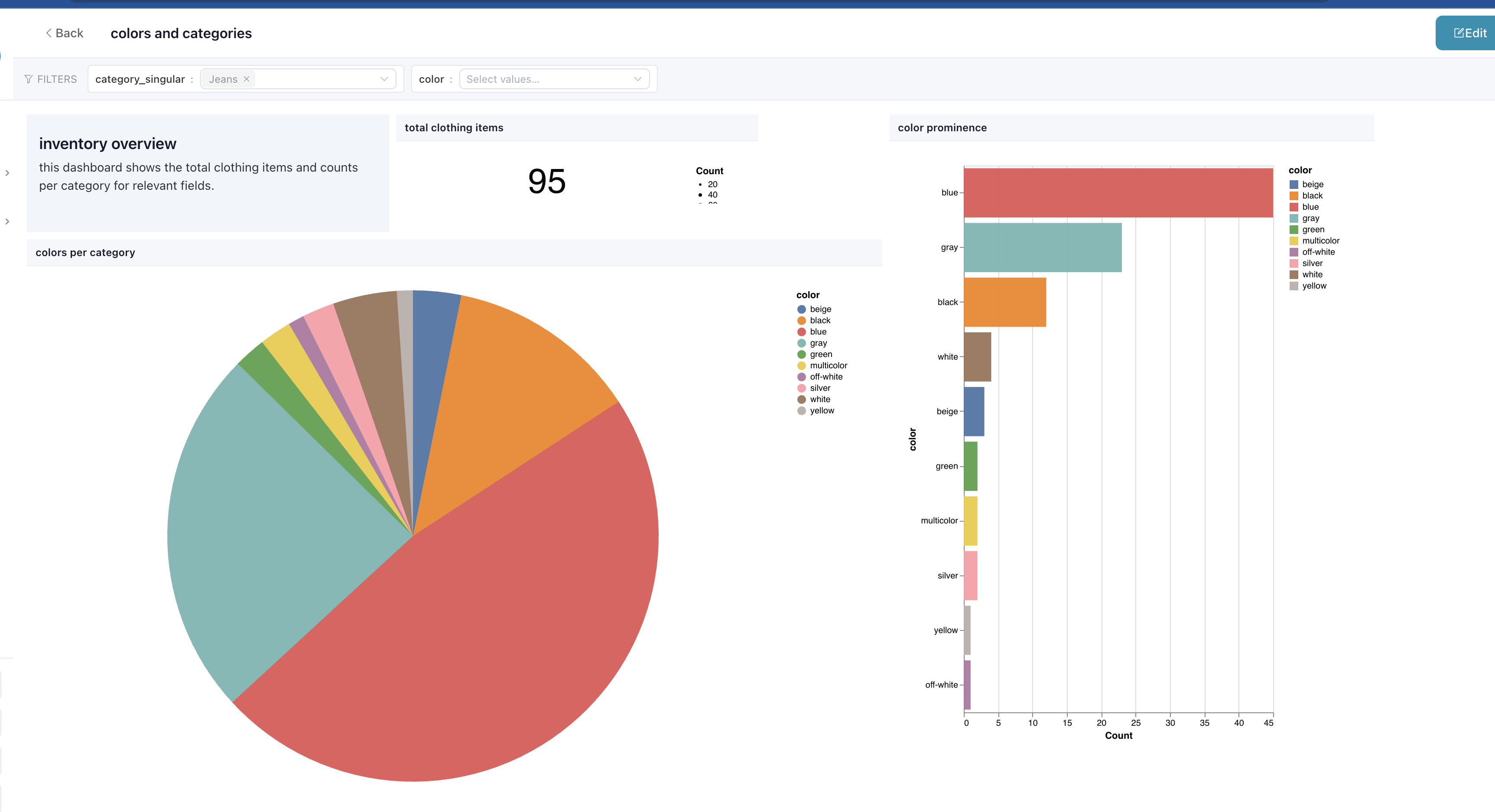
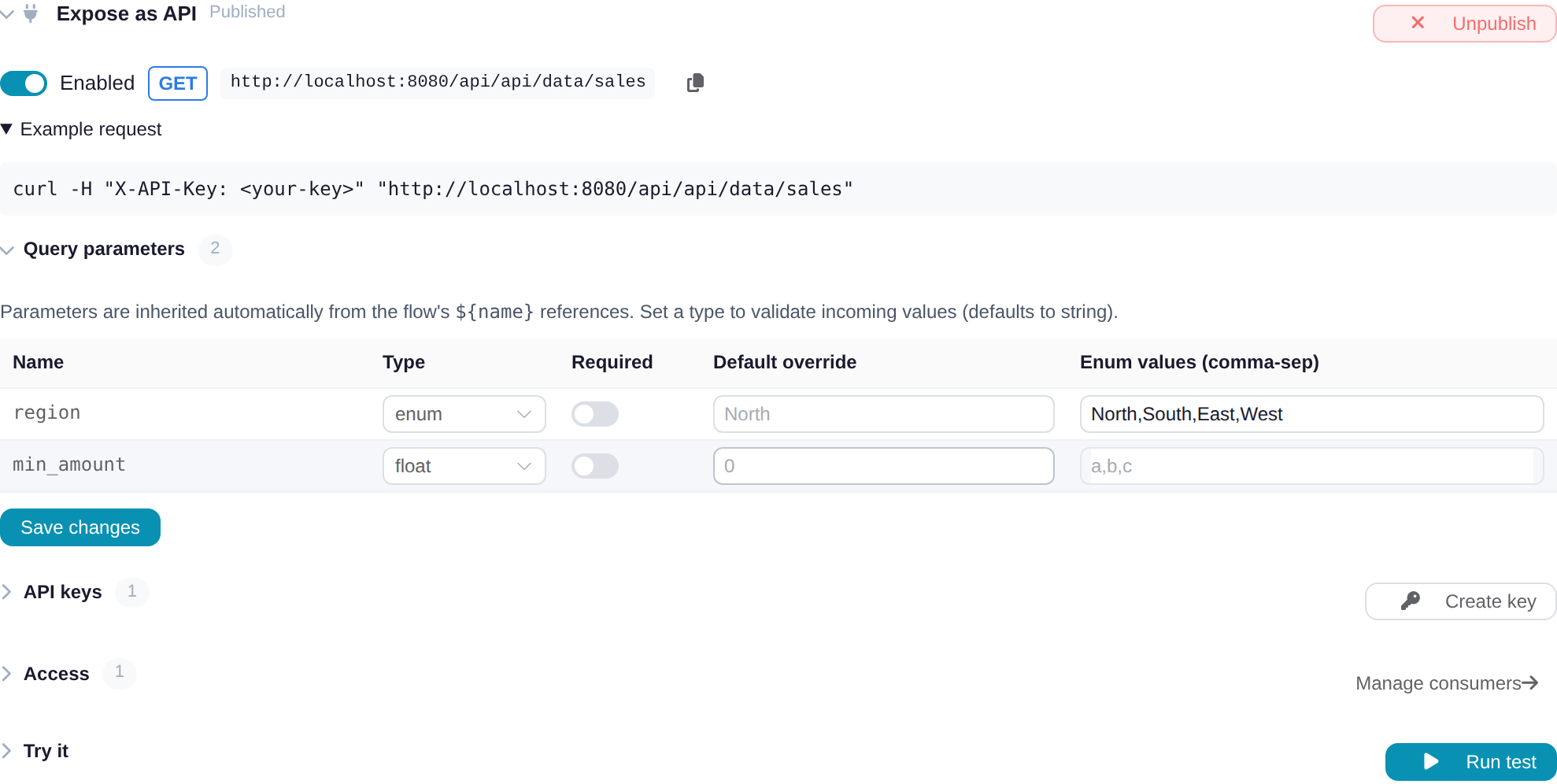
Store tables in the catalog, analyse them with SQL or Python, and create dashboards. Publish registered flows as endpoints for other applications.

Your catalogTables, flows and the work built on them
StoreDelta tables, versions & lineage
AnalyseSQL queries & Python notebooks
VisualiseSaved charts & dashboards
ServeFlows as API endpoints
Inside the catalogsales_by_region
Table preview 2 rows · 2 columns
| region | revenue |
|---|
| North | 400.00 |
| South | 85.00 |
Store the result. Query it or use it in a dashboard.
Your data, analysis and the flows behind them stay connected.
5 / 6 · AutomateKeep the data up to date.
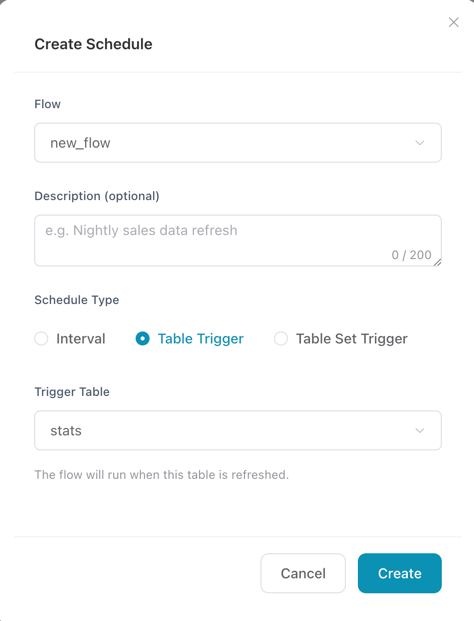
Run on a schedule or when a catalog table changes. Check run history, see which nodes ran, and configure notifications when something fails.
◷When the data changesCatalog table trigger
or on a schedule Run the flow
↓Update the catalog table
↓Read the latest data in your dashboard
Run history · Node status · Failure notifications
The flow refreshes the table your dashboard reads. The host machine needs to be running.
6 / 6 · ExtendAdd the parts your work needs.
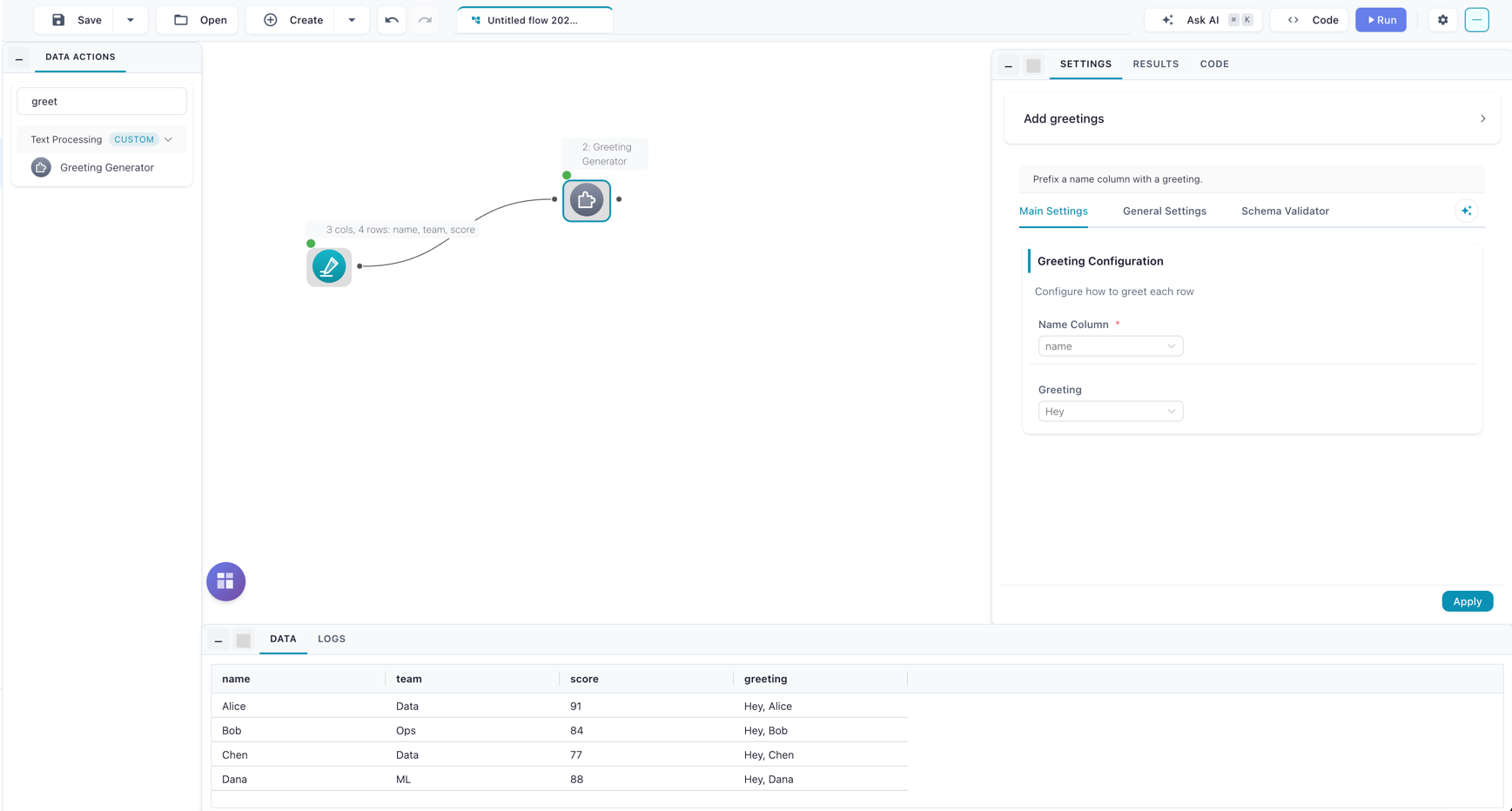
Write custom nodes in Python, install community nodes, or use isolated kernels with your own packages. An optional assistant can help build the graph.
Your transformation logicdef clean_names(df):
return df.with_columns(
pl.col("name")
.str.strip_chars()
.str.to_lowercase()
)
→ Clean namesYour own node
 Package your rules as a reusable node, with settings and a data preview.
Reuse your own transformations alongside the built-in nodes.